Creating
There is no point creating a dialog box that does exactly the same as one of the applications standard built-in dialog boxes
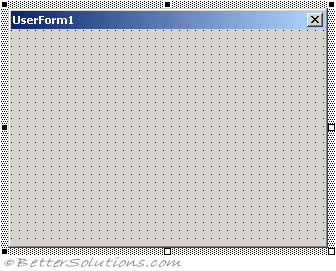
To create a new userform (Insert > Userform) or right mouse click in the Project Window and press ( ?? )
A userform can have horizontal and vertical gridlines to help you align your controls
All forms are based on the Userform object
Userforms are actually classes so you can include Lets and Gets.
You can also include private variables to a form (just like classes).
 |
Initialising
Private Sub UserForm_Initialize()

End Sub
Userform Code Module
Me Keyword
Passing In Arguments
It is possible to pass information to a userform however you cannot use the Userform_Initalise event.
The Userform_Initailize event does not allow arguments to be passed to it.
There are a number of different ways you can work around this.
Which one you use will depend if you want to use the argument in the Initialise event.
Used in the Initialise - Global Variable
Global variable
Public DisplayUserForm()
Dim oMyForm As UserForm1
   Set oMyForm = New UserForm1
   oMyForm.g_sCaptionTitle = "myvalue"
   oMyForm.Show
End Sub

Public g_sCaptionTitle As String
Used after Initialise - Userform Property
Creating a userform property is the best approach because it means that your code is self-contained (encapsulation principles)
Public DisplayUserForm()
Dim oMyForm As UserForm1
   Set oMyForm = New UserForm1
   oMyForm.Property_CaptionTitle = "some text"
   oMyForm.Show
End Sub

Private m_sCaptionTitle As String
Property Let Property_CaptionTitle(ByVal sValue As String)
   m_sCaptionTitle = sValue
End Property
Property Get Property_CaptionTitle() As String
   Property_CaptionTitle = m_sCaptionTitle
End Property
Alternatives
Using Tag property
Passing Out Results
© 2026 Better Solutions Limited. All Rights Reserved. © 2026 Better Solutions Limited TopPrevNext