Office Scripts
Office Scripts allow you to record your actions and generate the corresponding TypeScript code to allow the actions to be automated.
Office Scripts / Automate Tab is available on the Desktop and in Office on the Web.
Once this feature has been enabled within the Office 365 environment you will see an additional Automate tab appear at the top.
 |
TypeScript
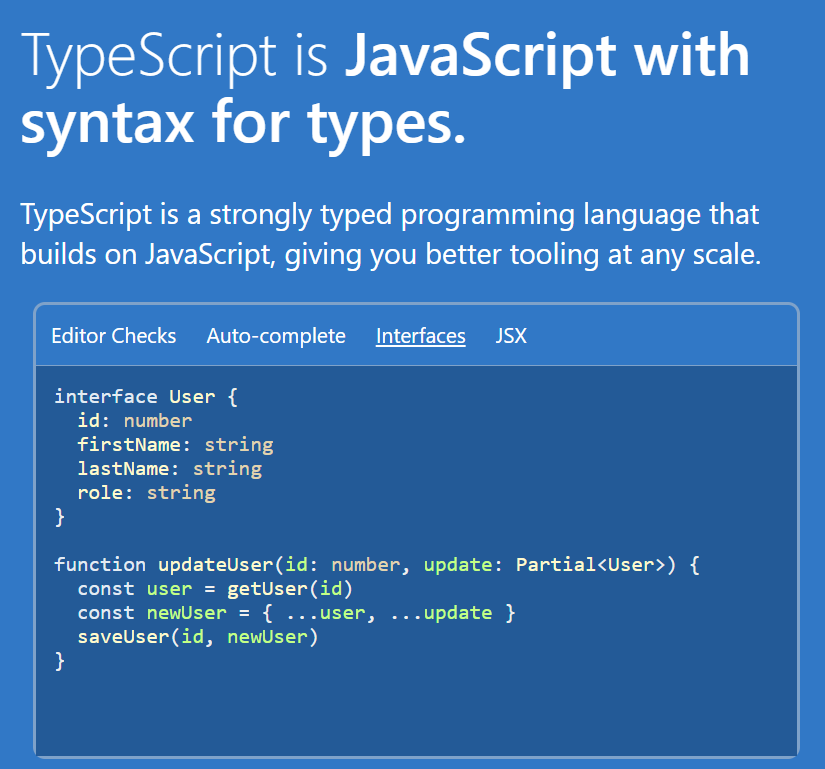
TypeScript is a programming language created by Microsoft that sits on top of JavaScript.
It adds additional syntax to make the code easier to read as well as helping to reduce the bugs .
Office Scripts uses TypeScript because it reduces the learning curve and provides intellisense for the code editor.
link - typescriptlang.org
 |
Main Function
The main function is the entry point for all office scripts.
The workbook argument represents the Excel file and must be included in this main function.
function main(workbook: ExcelScript.Workbook) {
   const sheet = workbook.getWorksheet('Sheet1');
   if (sheet) {
      sheet.setName('BETTER');
      sheet.setPosition(0);
   }
}
Script Lab Add-in
Script Lab is an add-in that can be downloaded and installed from the Office Store.
This provides a code editor that has access to the full Office JS object model.
This add-in is for developers who want to build office add-ins using the Office JS API.
 |
Script Lab is available on Desktop (Windows + Mac) and Office on the Web.
© 2026 Better Solutions Limited. All Rights Reserved. © 2026 Better Solutions Limited TopNext